| .github | ||
| awesome-wm-widgets@83914c91c8 | ||
| freedesktop@c82ad2960c | ||
| lain@c489aa63ac | ||
| themes | ||
| .gitignore | ||
| .gitmodules | ||
| ISSUE_TEMPLATE.md | ||
| README.md | ||

Awesome WM Copycats
Themes for Awesome WM 4.x
- Author
-
Luca CPZ
- Version
-
git
- License
- Source
Description
A set of themes for the Awesome window manager, version 4.x.
See branches for previous versions.
Purpose
The main purpose of this repository is to spread ready to use configurations, which can also serve as a cookbook for customisation.
A secondary aim is to add new themes only when they constitute different UI/UX designs.
Features
- Modularity
- Autohide widgets
- Autostart windowless processes
- Fast MPD and volume shortcuts (first time this trick has been used in Awesome)
- Shortcuts for copying to the clipboard, toggle wiboxes, widgets popups, screenshots capture, moving and magnifying clients
- Quake drop-down terminal
- Calendar with current day highlighted and months switch with a click/scroll
- Notifications for new mails, current song, volume level, hdd critical state, low battery
- OpenWeatherMap integration
- Net carrier status notifier
- Symbolic tag names
- DWM-like textual layoutbox
- Cairo wibar
- Custom layouts
- No borders when there's only one visible client
- Freedesktop.org compliant menu and desktop icons
- Vi-like client focus
- Non-empty tag browsing
- On-the-fly useless gaps resize
- Dynamic tagging
Gallery
Multicolor, inspired by lucamanni
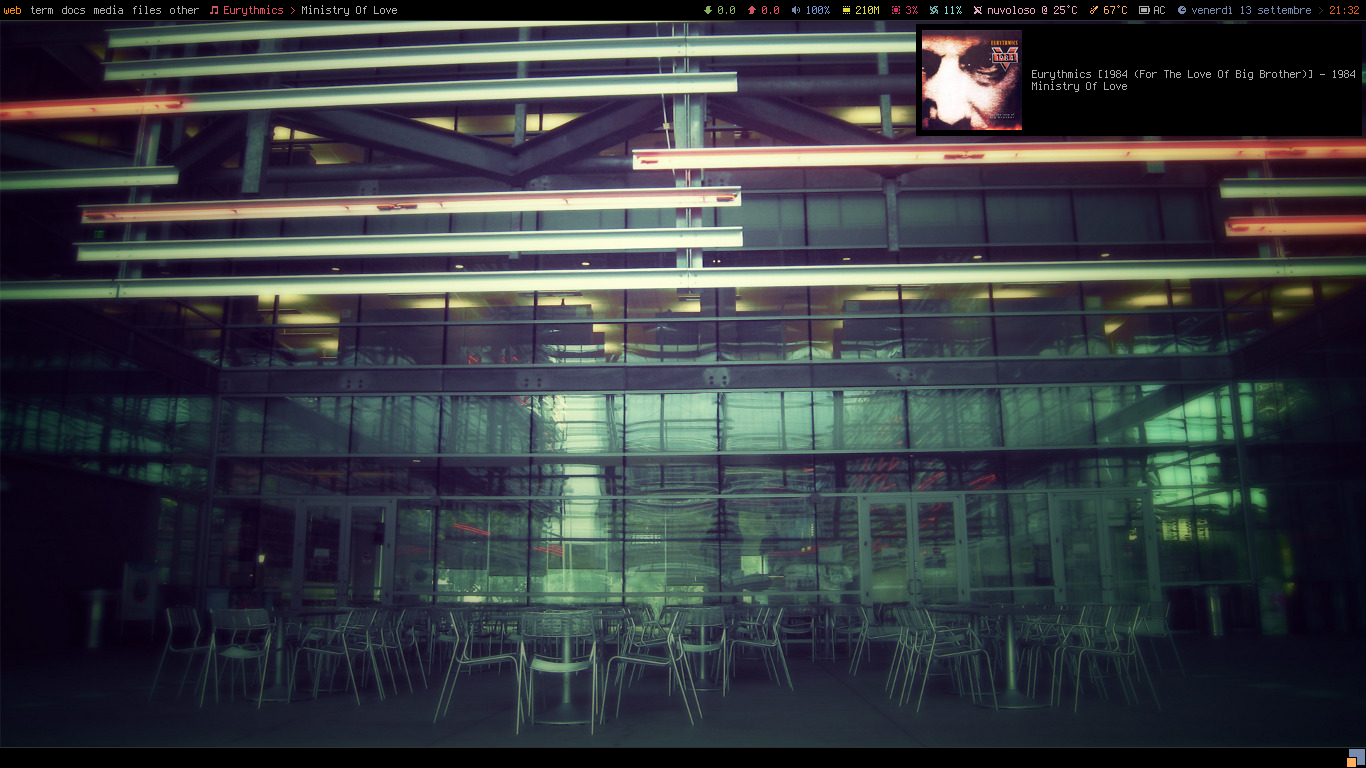
Powerarrow, porting of romockee's

Powerarrow Dark
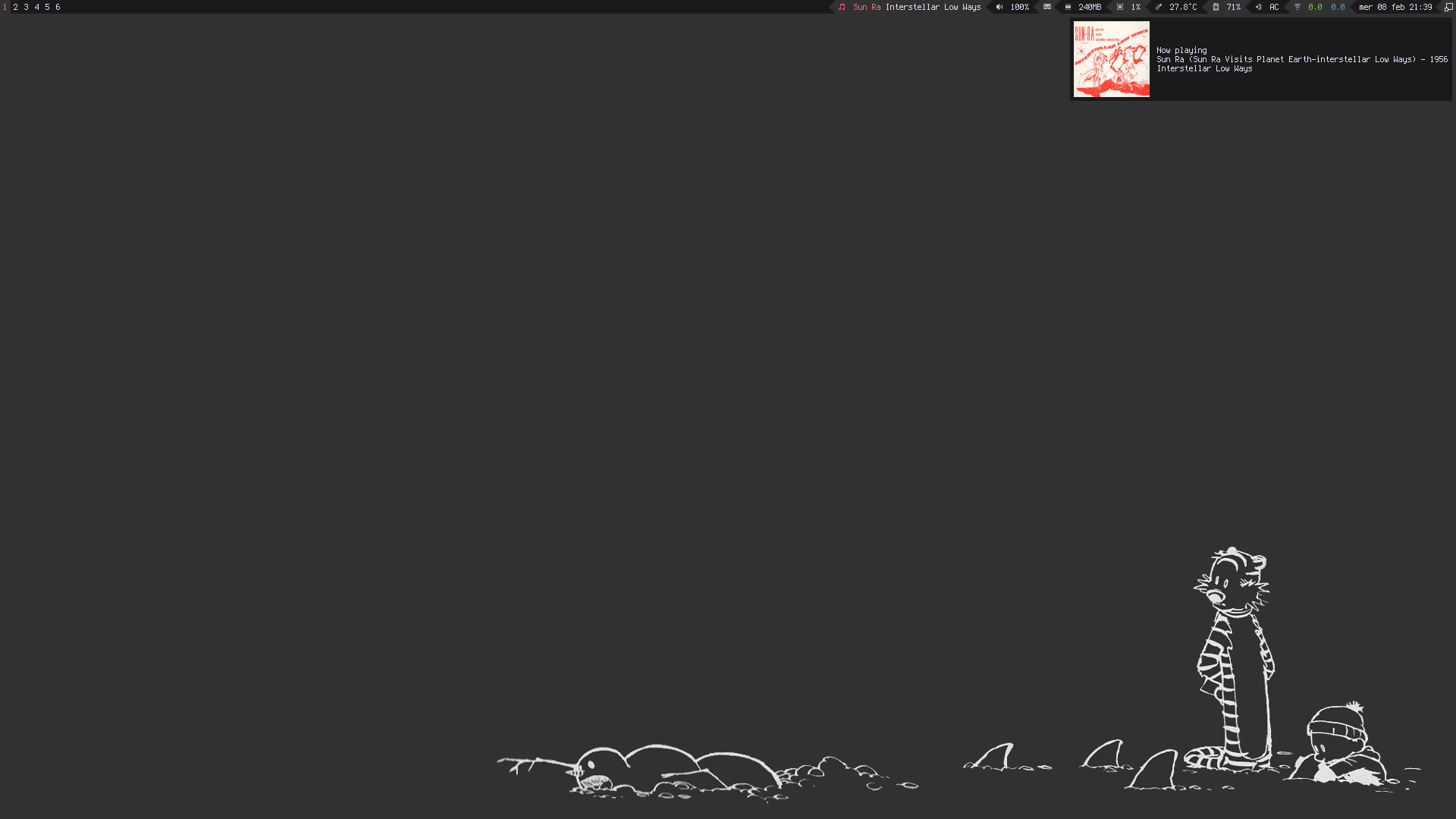
Steamburn, porting of ok100's dwm

Blackburn
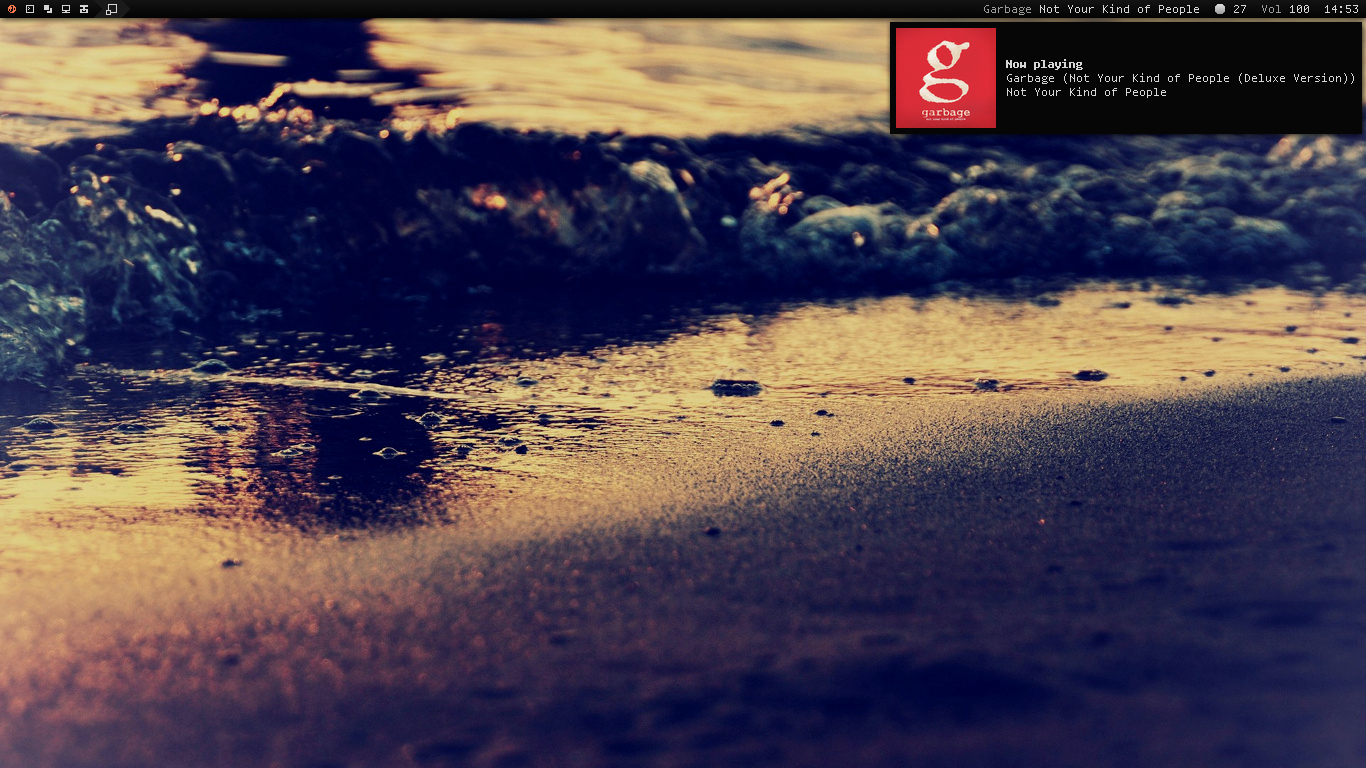
Dremora
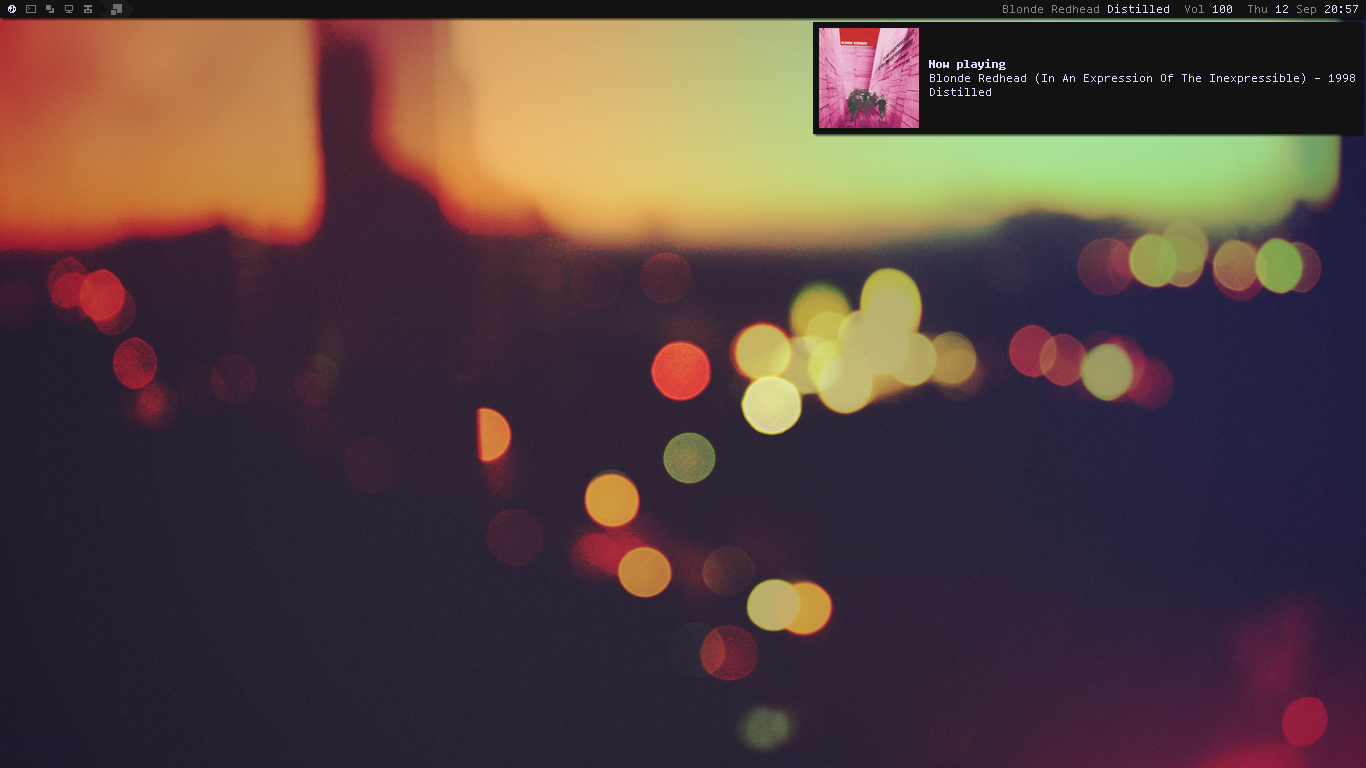
Rainbow
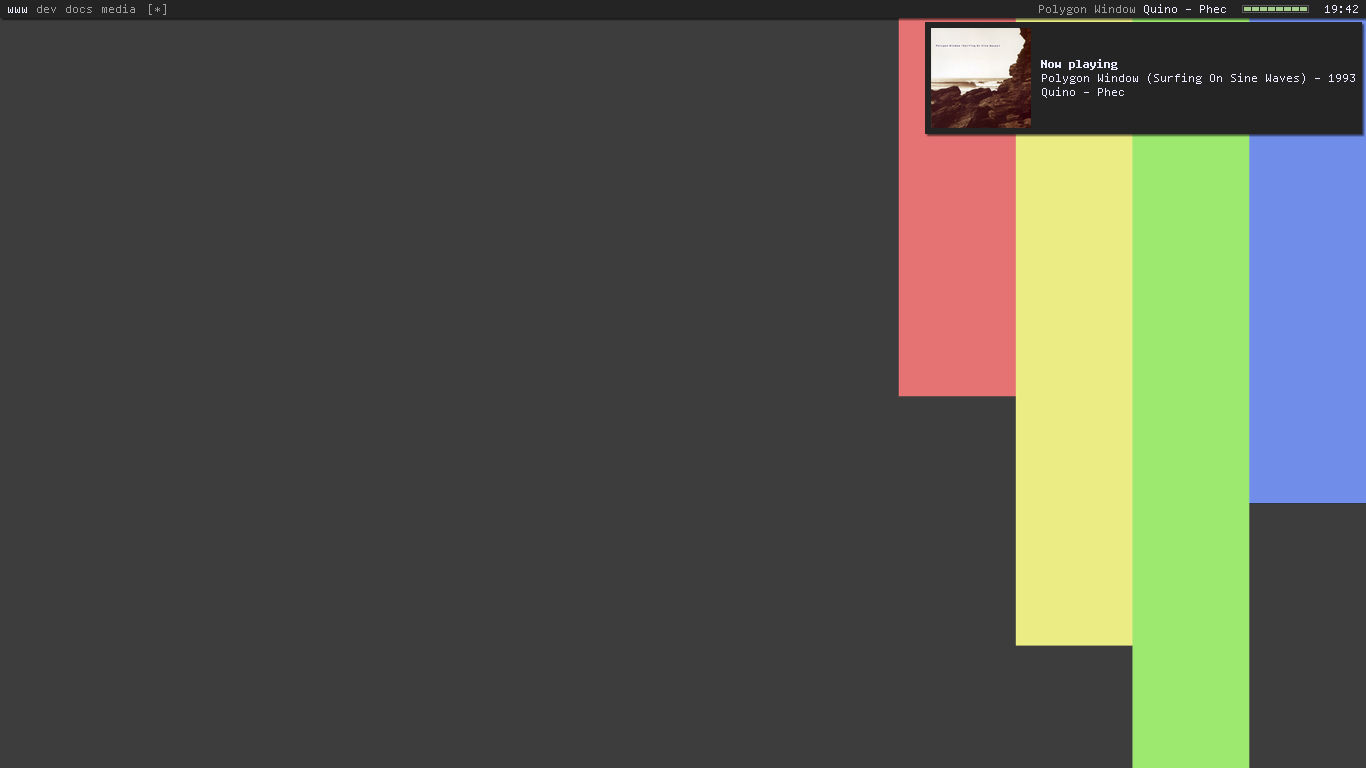
Holo, requested by amouly
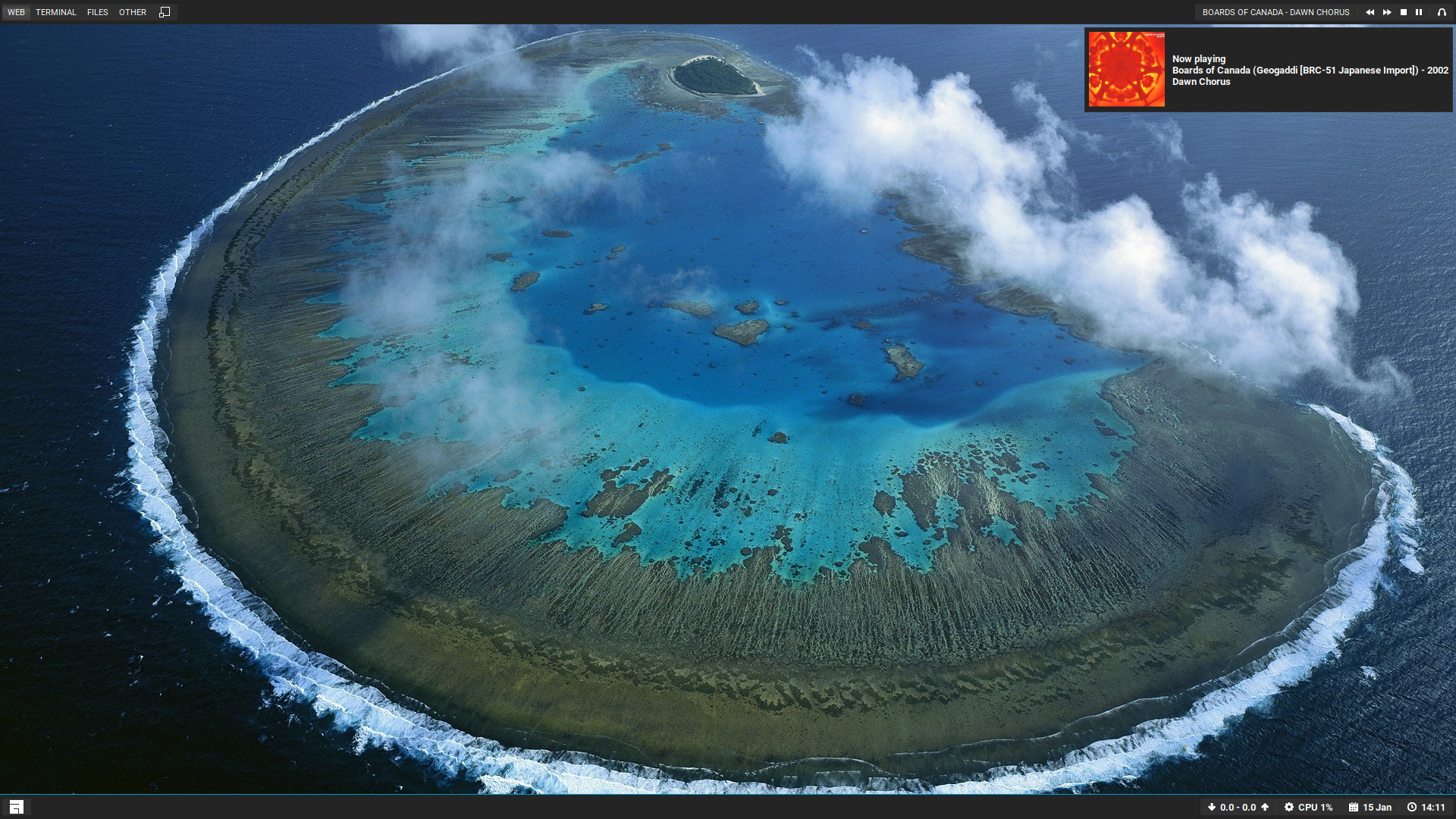
Copland, inspired by foozer
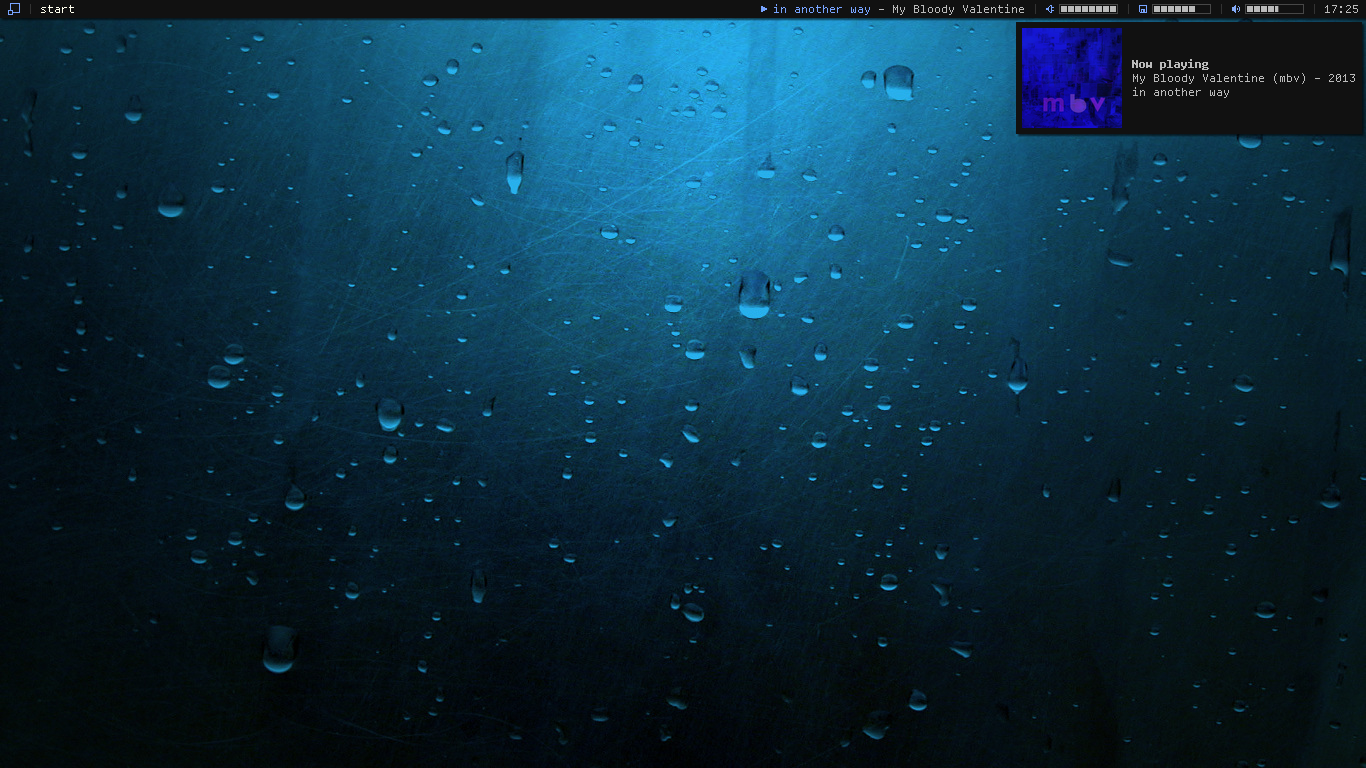
Vertex, requested by swordfischer

Installation
[[ ! -d "~/.config/awesome" ]] && mkdir -p ~/.config/awesome && git clone --recurse-submodules --remote-submodules --depth 1 -j 2 https://github.com/SirHadrian/awesome-themes.git && mv -v awesome-themes/* ~/.config/awesome && rm -rf awesome-themes
Usage
The modular structure allows to
- set variables
- define startup processes
- change keybindings and layouts
- set client properties
in rc.lua, and
- configure widgets
- define wiboxes and screen settings
in theme.lua, so that you just need to change chosen_theme variable
in rc.lua to preserve your preferences and switch the theme, instead
of having file redundancy.
Just do the following:
$ cd ~/.config/awesome
$ cp rc.lua.template rc.lua
Then, set the variable chosen_theme in rc.lua to your preferred
theme, do your settings, and restart Awesome (Mod4 + ctrl + r).
To customize a theme, head over to themes/$chosen_theme/theme.lua.
Otherwise, if you want to be synced with upstream, modify the theme path
in rc.lua like this:
-beautiful.init(string.format("%s/.config/awesome/themes/%s/theme.lua", os.getenv("HOME"), chosen_theme))
+beautiful.init(string.format("%s/.config/awesome/themes/%s/theme-personal.lua", os.getenv("HOME"), chosen_theme))
then, copy theme.lua to theme-personal.lua and do your
customizations there.
This way, you can safely git pull anytime.
Themes details
Powerarrow-dark and Vertex
For the weather widget to work:
wget -P ~/.config/awesome/ https://raw.githubusercontent.com/rxi/json.lua/master/json.lua
For custom dmenu build patches
Notes
Complements are provided by lain and freedesktop. Be sure to satisfy their dependencies. In particular, mail and weather widgets have mandatory arguments.
The fonts used in the screenshots are: Terminus (Multicolor, Powerarrow, Powerarrow Dark), Roboto (Holo, Vertex) and Tamzen (other ones).
As taglist font, Blackburn and Dremora use Icons, Vertex uses FontAwesome: be sure to have bitmaps enabled if running under Debian or Ubuntu.
Every theme has a colorscheme.
Additional default software used: :
amixer dmenu librewolf firefox alsa-utils mpc scrot unclutter xsel xlockmore light picom-git alacritty nitrogen